How to Automate Master Data Management Between CRM and ERP
Manual master data management between CRM and ERP takes time and creates errors. Learn how to connect both systems and sustainably automate your processes in medium-sized businesses.
The Problem of Manual Data Management in Mid-sized Companies
In many medium-sized companies, duplicate data entry is still a part of daily work. Sales creates a new prospect in the CRM system and enters initial contact details as well as contact persons. When a contract is finally signed, administration has to manually transfer the same data into the ERP system to write quotes or invoices.
This manual process is susceptible to typical transfer errors. Typos in names, outdated phone numbers, or incorrect billing addresses often remain unnoticed for a long time. It becomes even more complicated when customers change their data. If sales updates an address in the CRM, accounting in the ERP often only finds out when an invoice returns as undeliverable. Logistics and shipping might be working with outdated delivery addresses from a third-party system in the meantime. These breaks between departments create avoidable inquiries, delay internal workflows, and burden your team's daily work. A clean separation of systems without automatic coupling quickly reaches its limits in growing B2B business.
Before and After: How the Process Changes
Without an interface, the flow of information is sequential and breaks at system boundaries. An inside sales employee receives an email with a new payment terms agreement or a changed VAT ID. They enter the information into the CRM. For the ERP system to adopt this adjustment, they must create a task for accounting or write an email. There, another employee reads the message and manually types in the values. If orders are created in the meantime, the ERP system accesses the old data status.
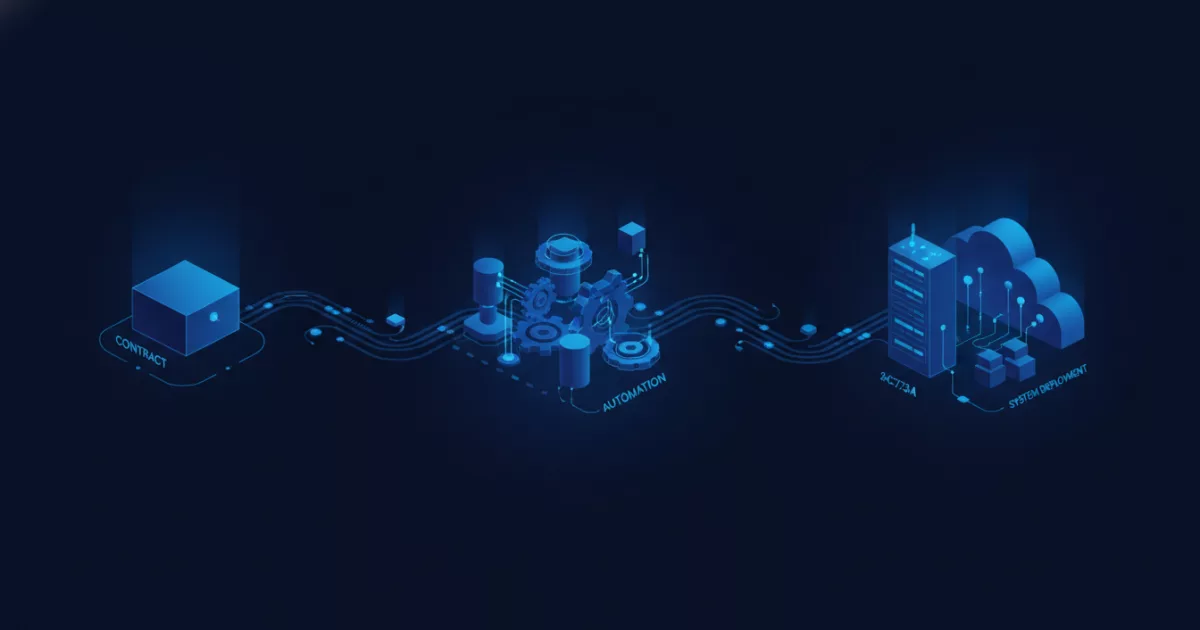
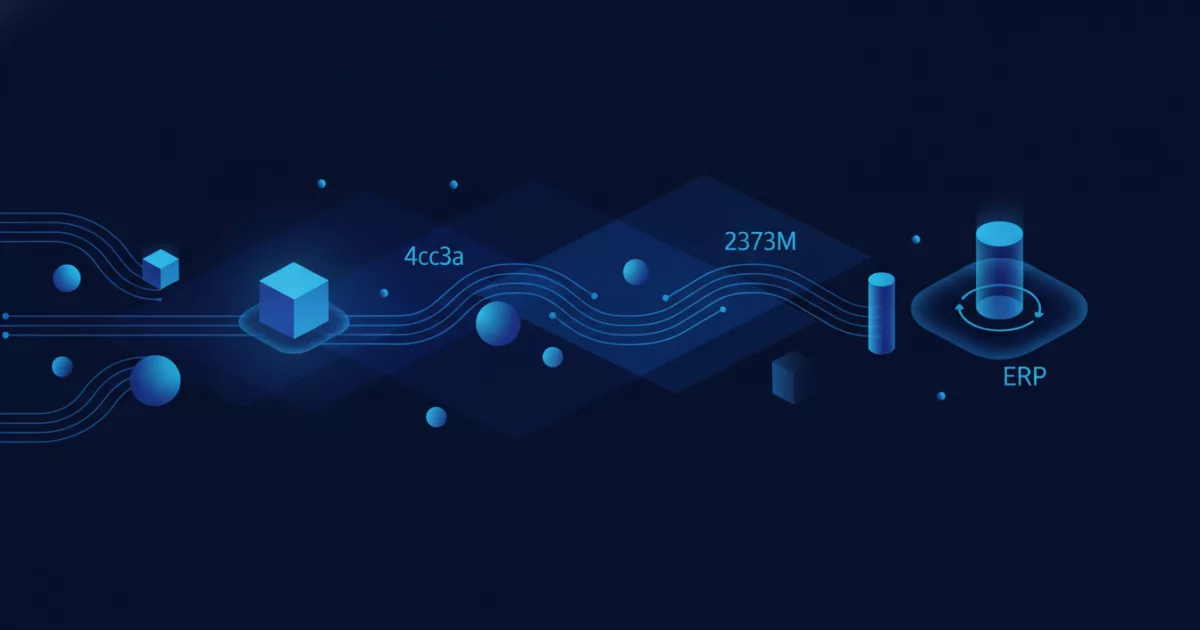
With automated data transfer, this process changes fundamentally. As soon as an employee updates a field in the CRM, an interface checks the input for completeness and logic. After successful validation, the data record is automatically transmitted to the ERP system and adjusted in the corresponding customer account there. When logistics creates a delivery note or accounting updates the payment status, this information flows directly back to the CRM. Both systems reflect the same status at all times without documents or tasks having to be sent back and forth manually between departments.
Prerequisites for Successful Master Data Management Between CRM and ERP
Before data can flow automatically between CRM and ERP, you must define clear system boundaries and data ownership. Which system leads which data? In practice, the CRM is usually considered the leading system for contact data of prospects, contact persons, and sales notes. The ERP system takes the lead as soon as a customer becomes active and master data such as credit limits, payment terms, bank details, or billing addresses are required.
In addition to role distribution, data quality is the most important foundation. Before the technical connection, existing duplicates must be cleaned up and required fields standardized. If field formats differ between CRM and ERP, for example with phone numbers or country codes, the integration layer must be able to convert these values automatically. Furthermore, it is specified how the system handles conflicts. If data is changed in both systems simultaneously, a clear rule prevents correct information from being accidentally overwritten. Structured preparation ensures that subsequent synchronization runs smoothly and without constant manual intervention.
Step by Step to Automated Data Transfer
- Clearly determine which system owns the data authority for which master data.
- Clean up the existing database in both systems and remove duplicates.
- Define uniform field formats and required fields for CRM and ERP.
- Set up interfaces that transfer data changes in real time or at defined intervals.
- Implement automatic validation rules to stop incorrect entries before transmission.
Efficient Processes in B2B Sales and Administration
Automating data management not only relieves IT, but directly improves work in sales and administration. Field sales representatives have access to current delivery statuses, open items, or special conditions from the ERP at any time via their mobile CRM. They no longer need to make inquiries to accounting or manually assemble reports before customer meetings.
At the same time, administration benefits from high data quality. Invoices contain verified master data, which minimizes payment delays and queries. When processes run digitally without media disruptions, team capacity is freed up for strategic tasks. Automating your master data management between CRM and ERP creates the foundation for sustainable growth in your company. webfellows supports medium-sized companies in analyzing existing system landscapes and optimizing workflows. Request a non-binding process check to evaluate your potential.
This article was created with AI assistance and editorially reviewed.
Comments
No comments yet. Be the first to tell us how this works for you.