
How to Successfully Automate Your B2B Proposal Creation Process
Manual data entry for proposals costs time and leads to errors. Learn how to seamlessly automate the process from CRM to dispatch.
The Challenge of Manual Proposal Creation in Medium-Sized Businesses
In many medium-sized companies, manual intermediate steps still dominate daily sales operations. When a sales representative prepares a proposal, they often copy customer data from the CRM system into a Word or Excel document. Product prices frequently come from separate price lists, while discounts are calculated manually. The file is then saved as a PDF and sent to the customer via email.
This process harbors significant weaknesses. Every manual transfer step increases the risk of errors in item numbers, pricing, or addresses. Furthermore, without centralized storage, visibility is lost regarding which proposal with which conditions is currently with the customer. If colleagues need to step in, they often lack direct insight into the current processing status. Administrative effort rises while response time to prospects decreases.
Before and After: How Automation Transforms the Process
Let us look at the workflow before integration: A customer call leads to notes on a desk. The sales rep searches the CRM for the address, opens the spreadsheet software for calculations, and drafts the cover letter in a word processor. For special conditions, an email must be written to management. After receiving a reply, the file is finalized, saved locally, and sent manually. The CRM is often updated days later or not at all.
After automation, the process starts directly in the CRM system. The representative selects the qualified sales opportunity and clicks the button to generate the proposal. The system automatically pulls all relevant master data, item descriptions, and customer-specific prices from the database. A predefined template matching the corporate design is populated in the background. Required approvals for exceeding standard limits are automatically routed as tasks to the responsible person. Following approval, the document goes directly to the customer.
Step by Step: How to Automate Your B2B Proposal Creation
The first technical building block lies in consolidating your data sources. The CRM acts as the leading system for addresses and contacts, while the ERP system or merchandise management provides current product prices and stock levels. Interfaces connect these systems so that document generation always accesses validated live data. Errors caused by outdated price lists become a thing of the past.
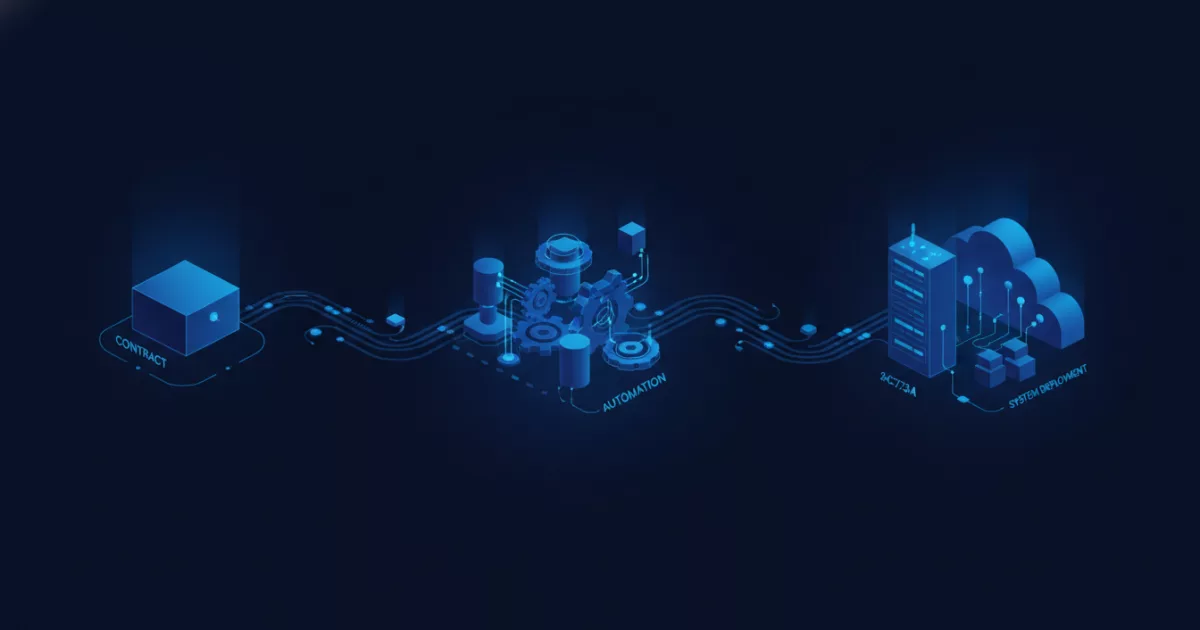
In the next step, you define rules for automated generation and logic. Standard contracts or straightforward proposals no longer require manual review once all required fields in the system are completed. The pipeline is supplemented by digital signature and tracking tools. As soon as the customer opens or digitally signs the document, the status updates automatically in the CRM. Logistics or project management simultaneously receive a notification to prepare fulfillment.
Core Components of an Automated Proposal Workflow
- Centralized data management in the CRM ensures address and contact details are adopted without typos.
- Uniform document templates secure corporate design compliance and prevent outdated text blocks.
- Automated approval workflows direct special discounts to decision-makers without long email chains.
- Integration with ERP systems reconciles product prices and availability in real time.
- Digital tracking shows the proposal processing status directly inside the sales software.
Legal requirements for contract conclusions and digital signatures vary by industry and country. For legal questions regarding the validity of e-signatures, you should consult appropriate experts.
Seamless Handover to Logistics and Administration After Winning the Deal
An automated process does not end with sending the proposal file. As soon as the customer accepts the proposal, the system triggers the downstream steps. In the CRM, the opportunity status is automatically set to Won. At the same time, the software creates an order in the ERP system so that logistics can start picking or resource planning can begin.
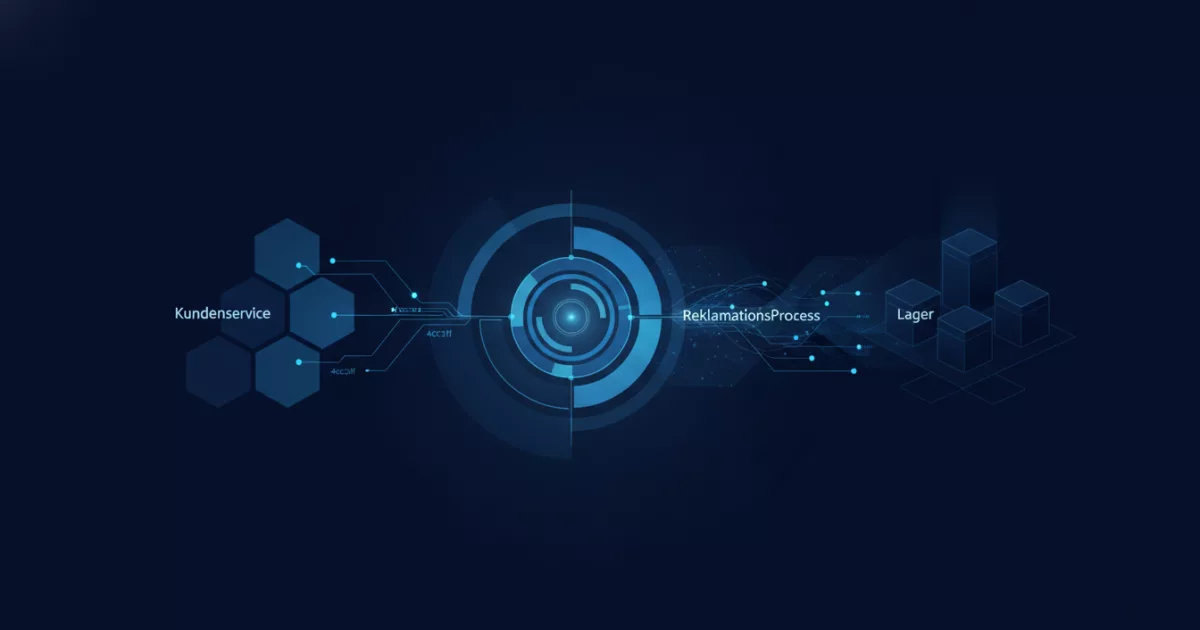
This continuous flow of information eliminates manual email or phone notifications between departments. Accounting receives the required billing data directly without manual re-entry. If you want to optimize your sales processes and eliminate media disruptions, webfellows supports you with a non-binding process check for technical implementation.
This article was created with AI assistance.
Comments
No comments yet. Be the first to tell us how this works for you.